Form Approvals for Google Forms
Leave requests, expenses, purchases, content requests: every Google Form response is sent to the right people for approval. They approve or request changes from a link, without a Google account, and the person who filled in the form is told the outcome.
Coming soon · free edition, full version from £29 one-off
Want to send sheet rows (designs, drafts, quotes) for approval instead? See Approvals for Google Sheets.
How it works
- Make a copy of the template spreadsheet and link your form to it. The approval script runs in your own Google account.
- Choose the approvers: fixed people, or (full version) the person named in an answer such as "Manager email". Everyone must approve, or any one is enough.
- A response comes in and is sent for approval straight away, with all the answers. Each approver gets a personal, expiring link.
- They decide: Approve, or Request changes with a comment. The status and a log update in your sheet, and you get an email.
- The requester is told (full version): one email when it's approved, or when changes are needed, with the comments.
- Nobody answering? In the full version, approvers are reminded automatically, up to three times.
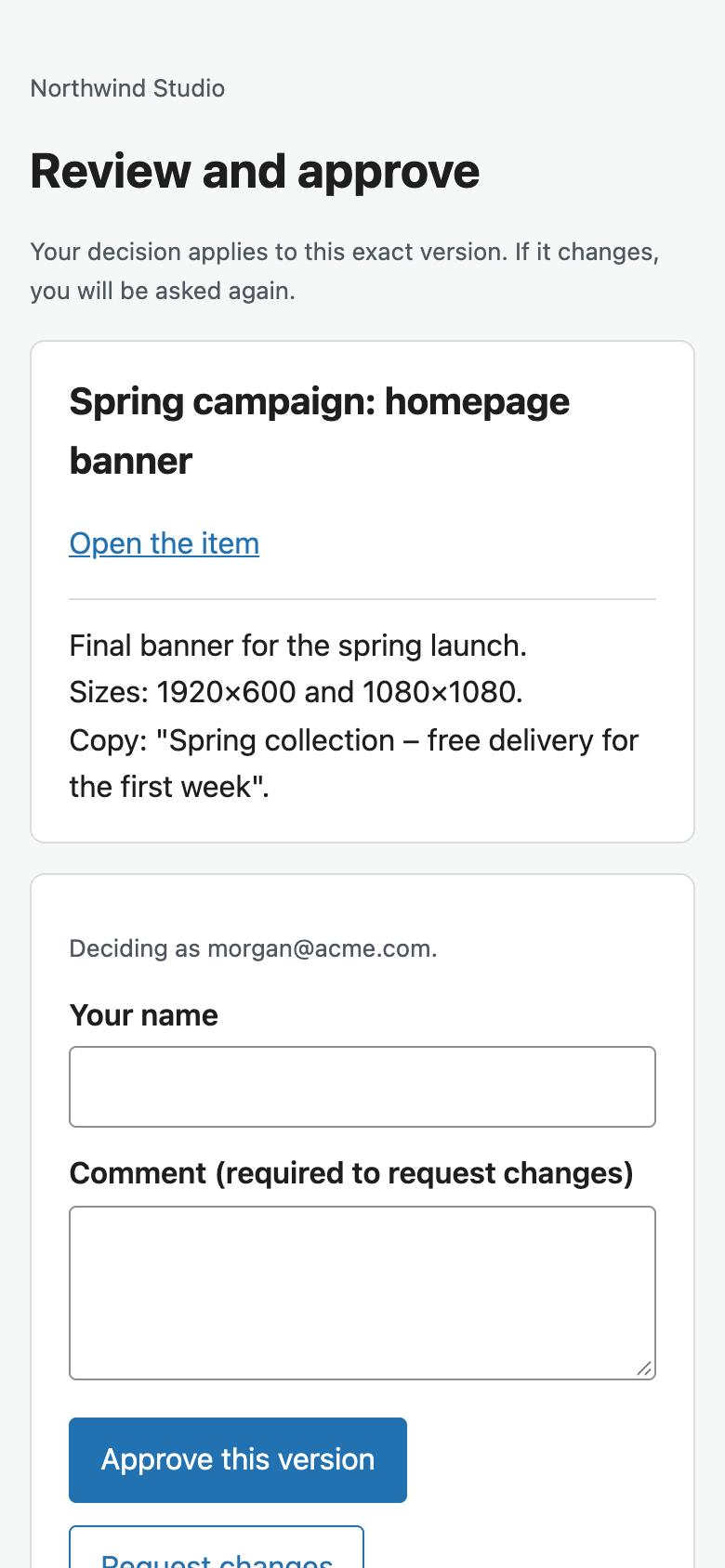
The approver's page on a phone, rendered from the product's own page template with sample content.
See it
Pages and emails below come from the product's own code, run with sample data. The spreadsheet tabs are illustrations of what the code writes; in Google Sheets they look like ordinary sheets.

Each form response becomes a request with its approvers and status.
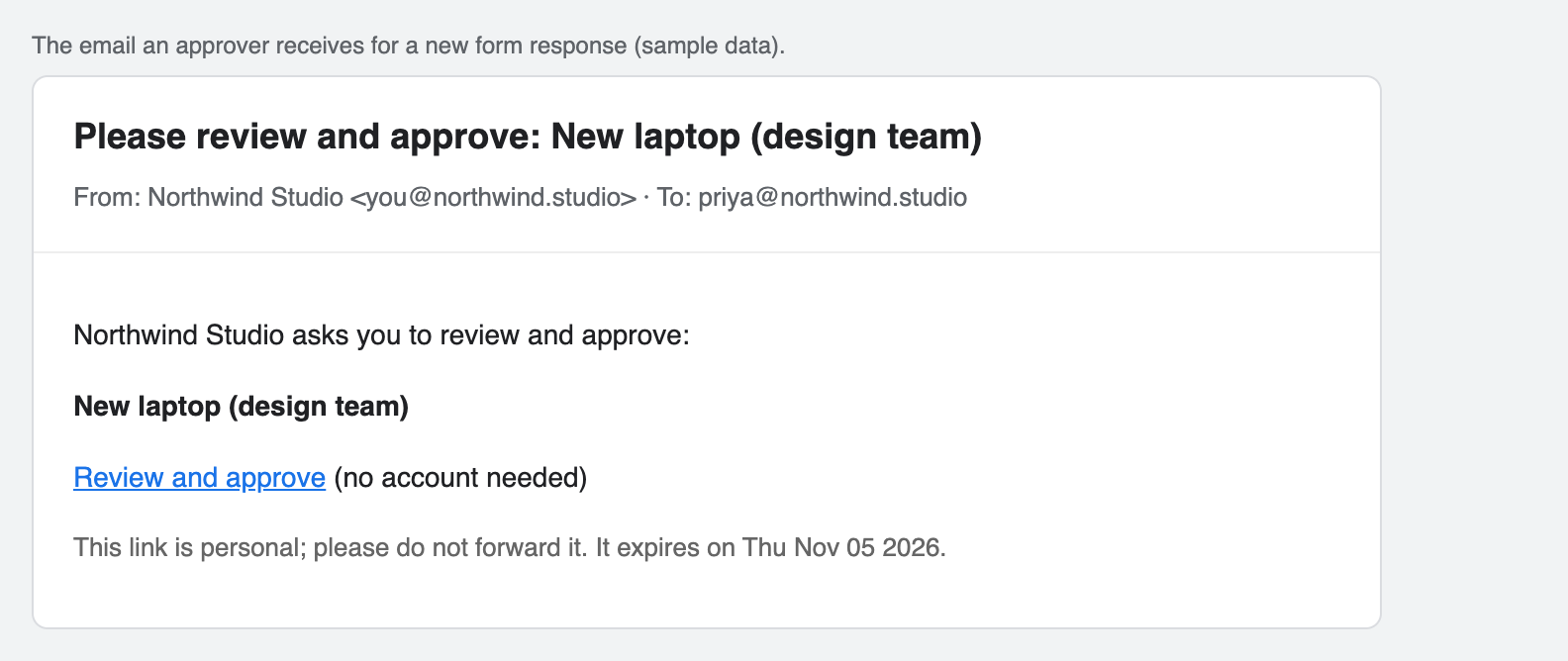
The email each approver gets as soon as a response comes in. No account needed.
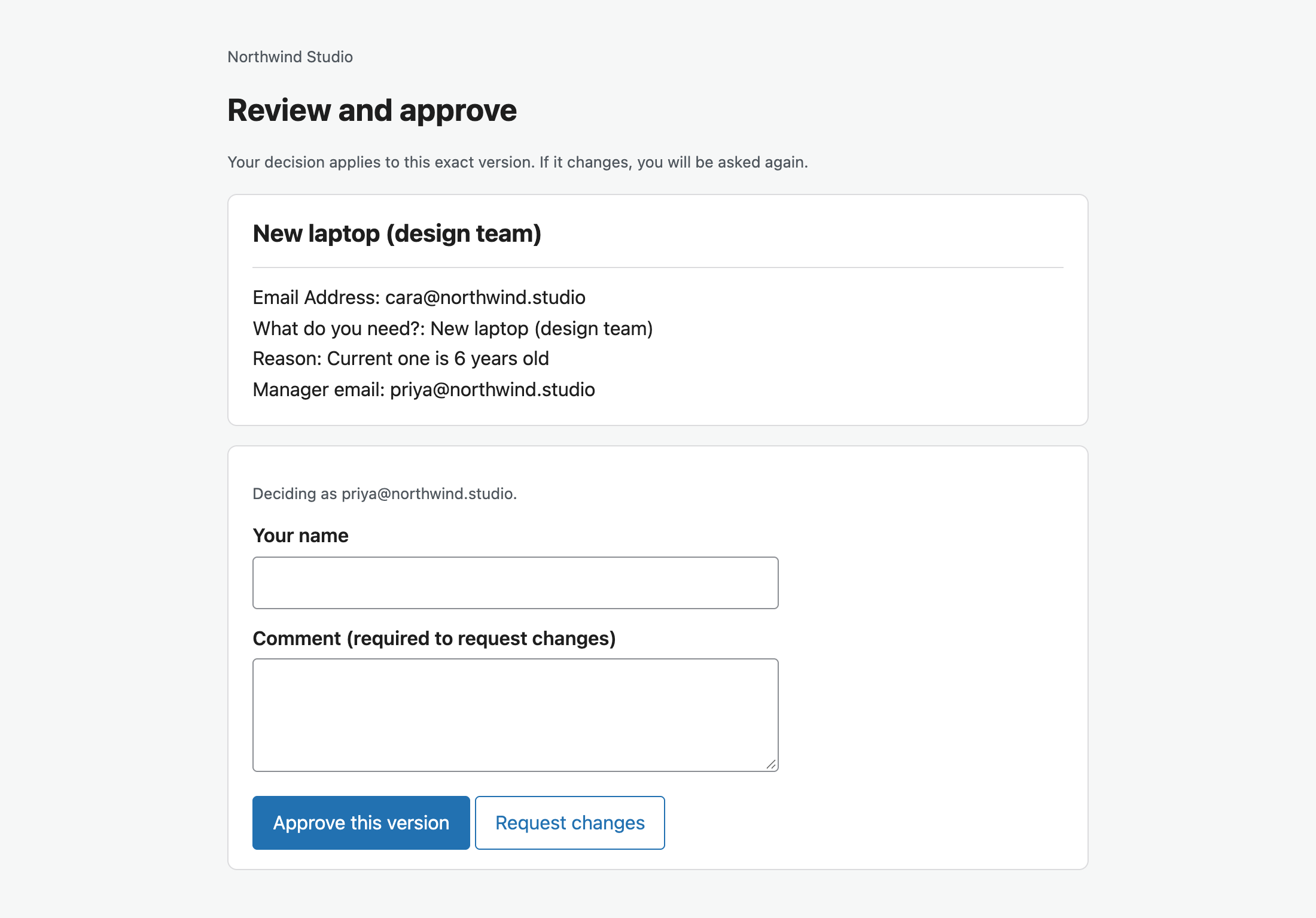
The approver sees every answer from the form.
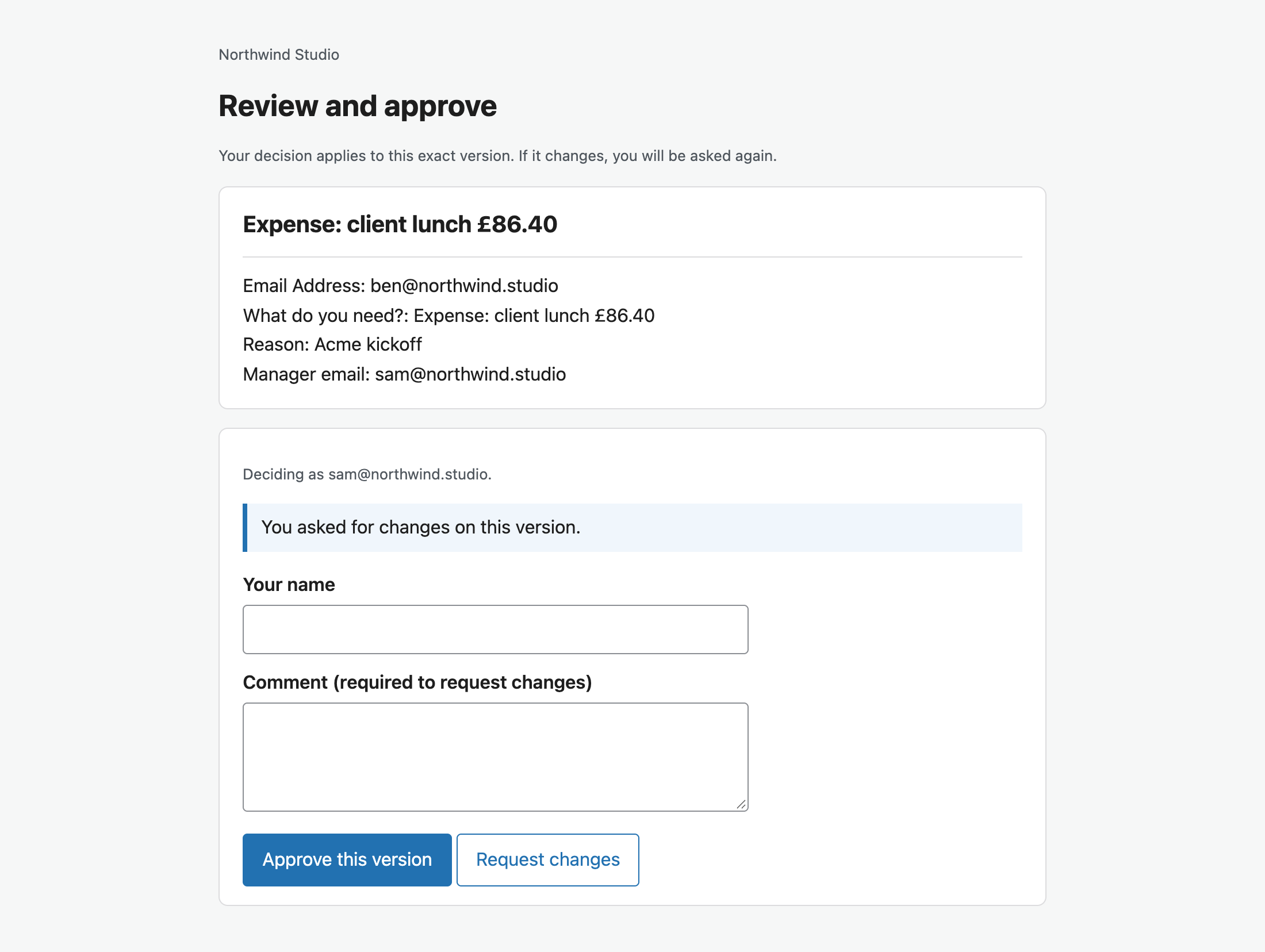
After deciding, the approver can still change their mind.
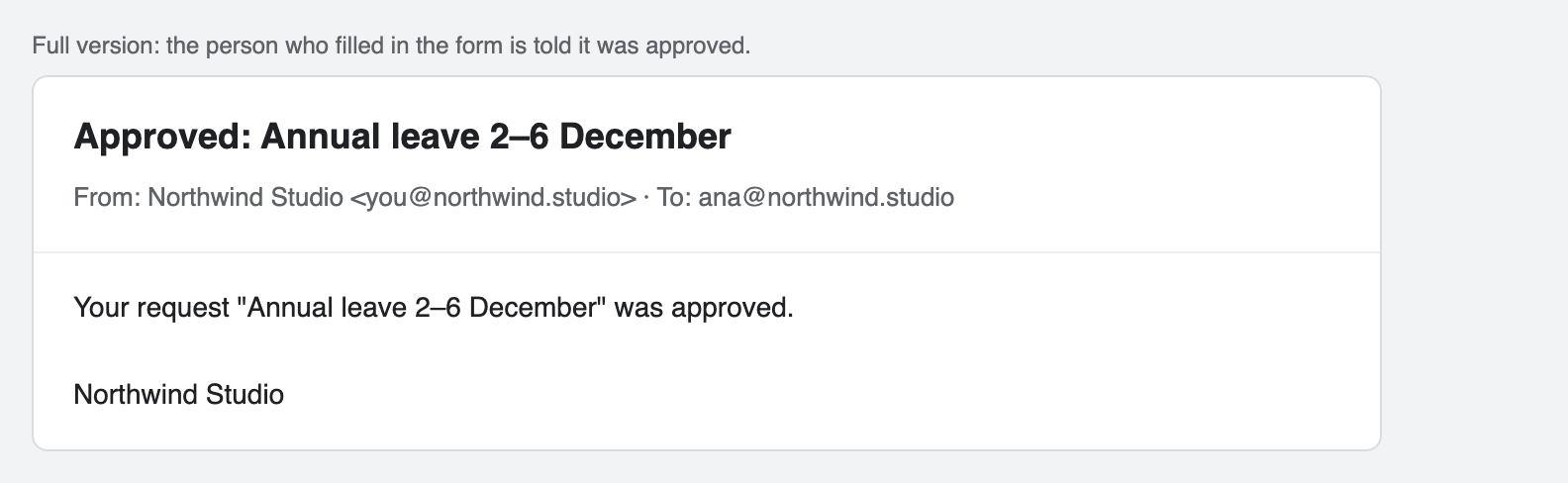
Full version: the person who filled in the form is told it was approved.
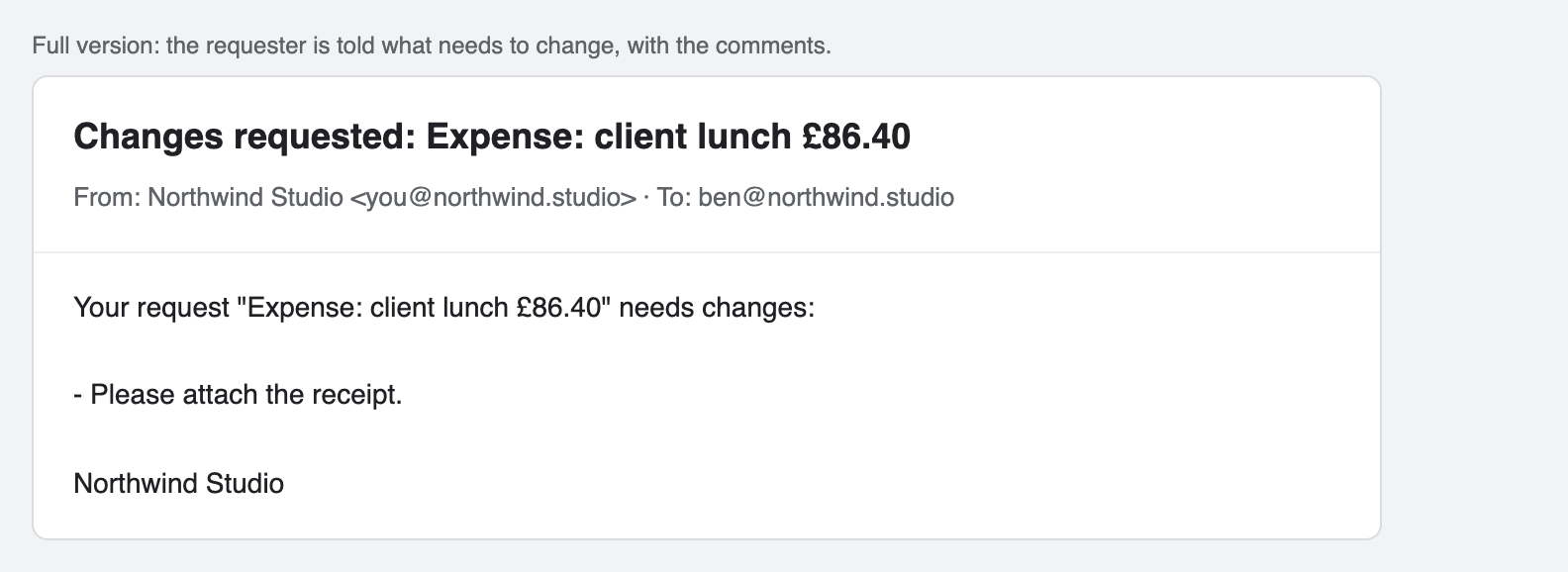
Full version: or told what needs to change, with the comments.
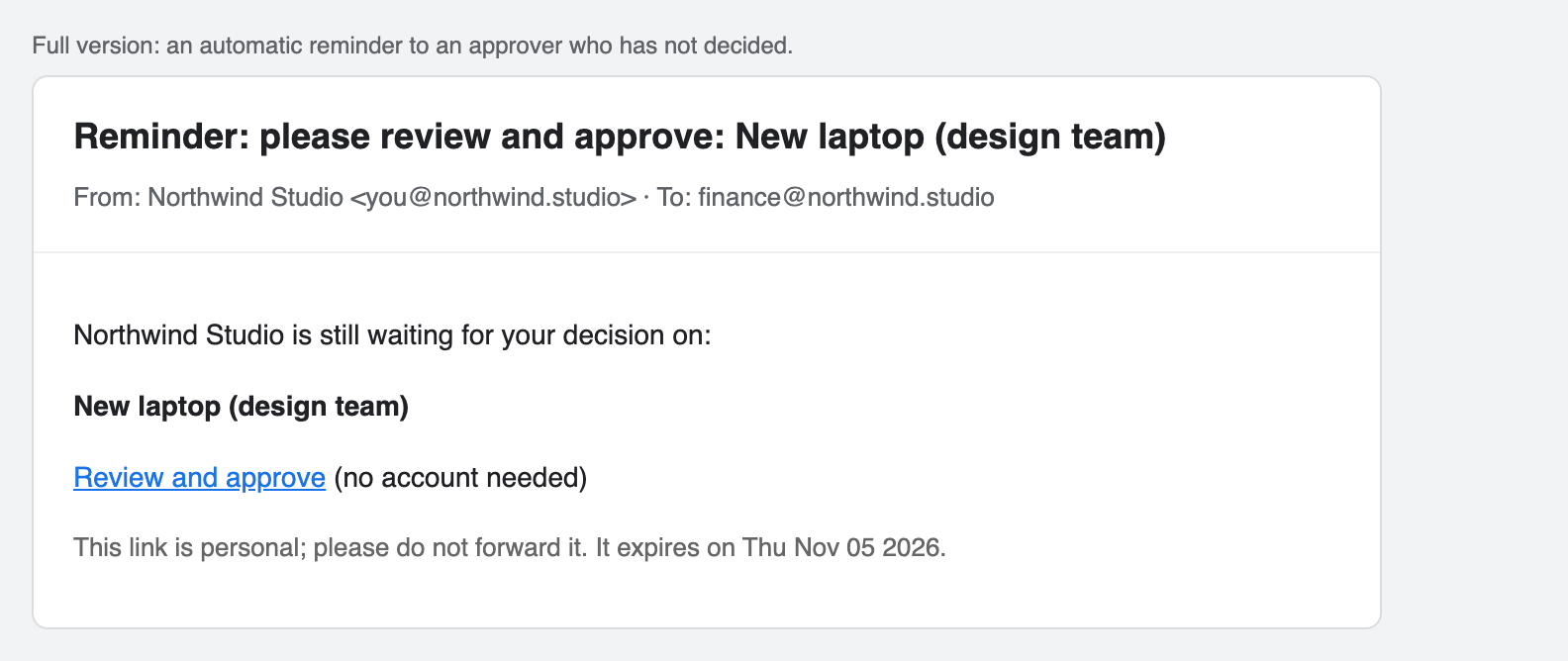
Full version: automatic reminders, up to three.
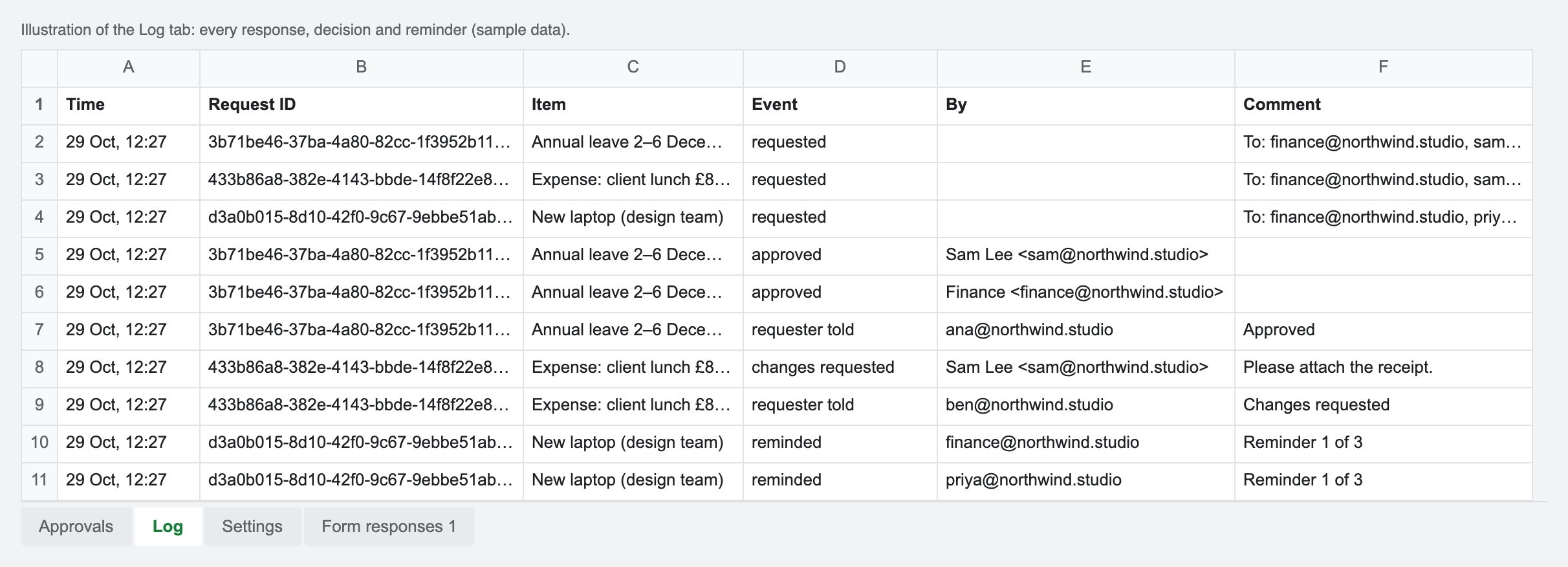
The Log tab: every response, decision, requester email and reminder.
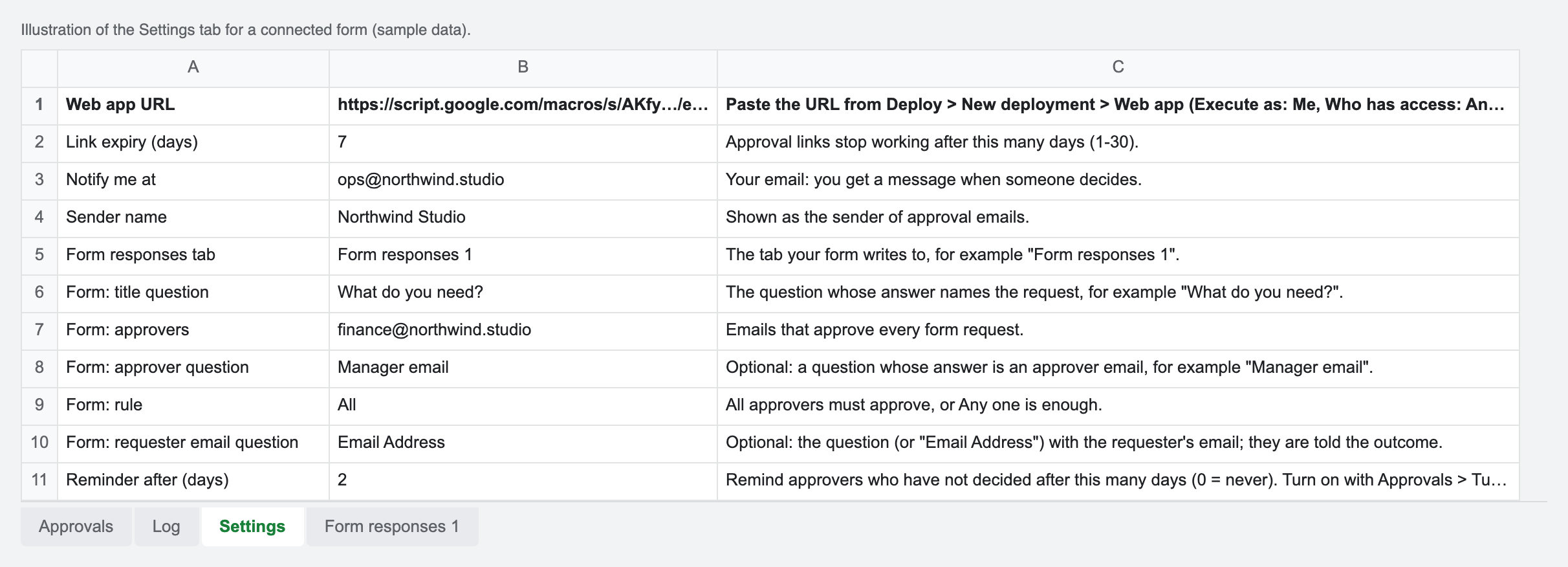
The Settings tab for a connected form.
Why this one
| Form Approvals | Typical form-approval add-ons | |
|---|---|---|
| Approvers need a Google account | No | Varies |
| Limit on responses | None (only Google's email limits) | Free tiers are often capped, for example 20 a month |
| Approval tied to the exact version | Yes | Rarely mentioned |
| Access it asks for | This spreadsheet only, sending email, running on form submit | Often all your spreadsheets and forms |
| Price | Free edition; one-off for full | Usually a yearly subscription |
Honest limits
- Google's email limits apply: about 100 emails a day on free Gmail, 1,500 on Workspace.
- During setup, Google shows an "unverified app" screen because the script runs in your own copy, not as a published app.
- Workspace admins can block public web pages; then people outside your organisation can't open approval links.
- It's a sign-off record, not a legal electronic signature.
Privacy
Everything stays in your spreadsheet. Nothing is sent to us. Approval links are stored only as fingerprints, so they can't be reused even by someone who can see the sheet.
Pricing
| Licence | Price | Includes |
|---|---|---|
| Free | £0 | Every response sent to fixed approvers, links that work without a Google account, approvals tied to the exact version, the log. No cap on responses. |
| Personal | £29 one-off | Everything in Free, plus the approver chosen from an answer, the requester told the outcome, and automatic reminders. Updates for version 1. |
| Business / Agency | £79 one-off | Everything in Personal, for your team and client work. Priority email support. Updates for all 1.x versions. |
Both apps (Approvals for Google Sheets + Form Approvals): Personal £39, Business £99, one-off.
Launch offer: Personal for £19 per app for waitlist members and the first 50 buyers.
Get it
We're finishing testing. Join the waitlist and tick "Form Approvals": waitlist members get the £19 launch price first.