Birim Private Files
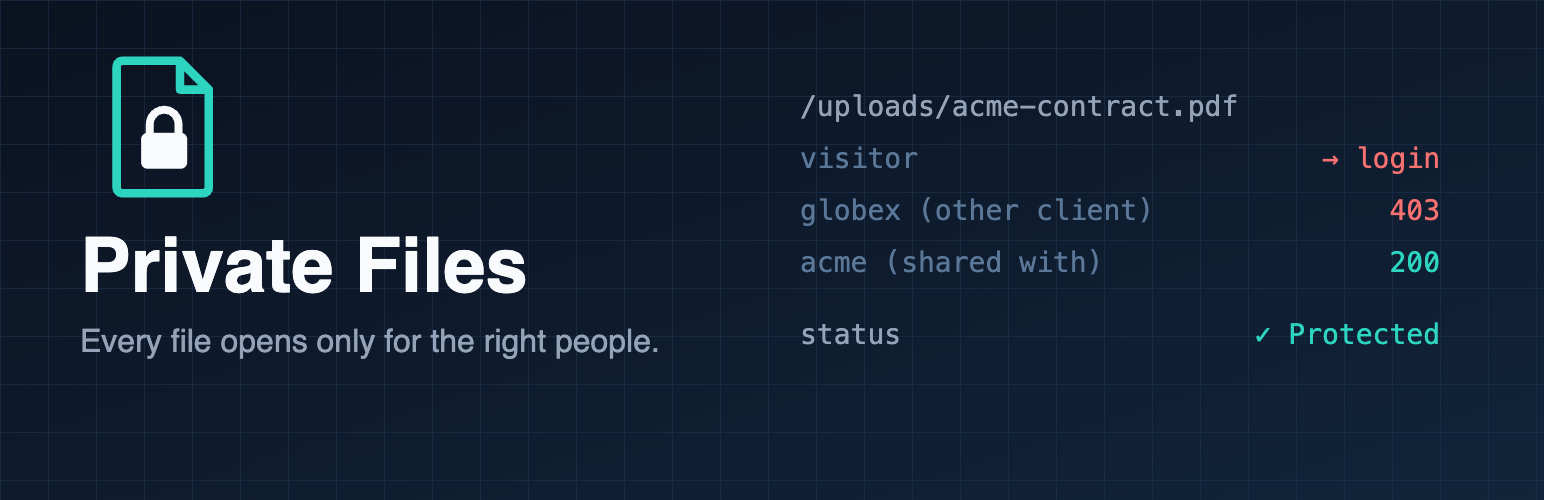
In WordPress, every uploaded file is a public link. A private page doesn't make its files private: anyone who has the link can open the PDF. Private Files fixes that, and tells you honestly whether it's working on your server.
What you can do with it
- Run a staff intranet. HR policies, handbooks, rotas and reports open only for staff who log in, even if a link gets forwarded outside the company.
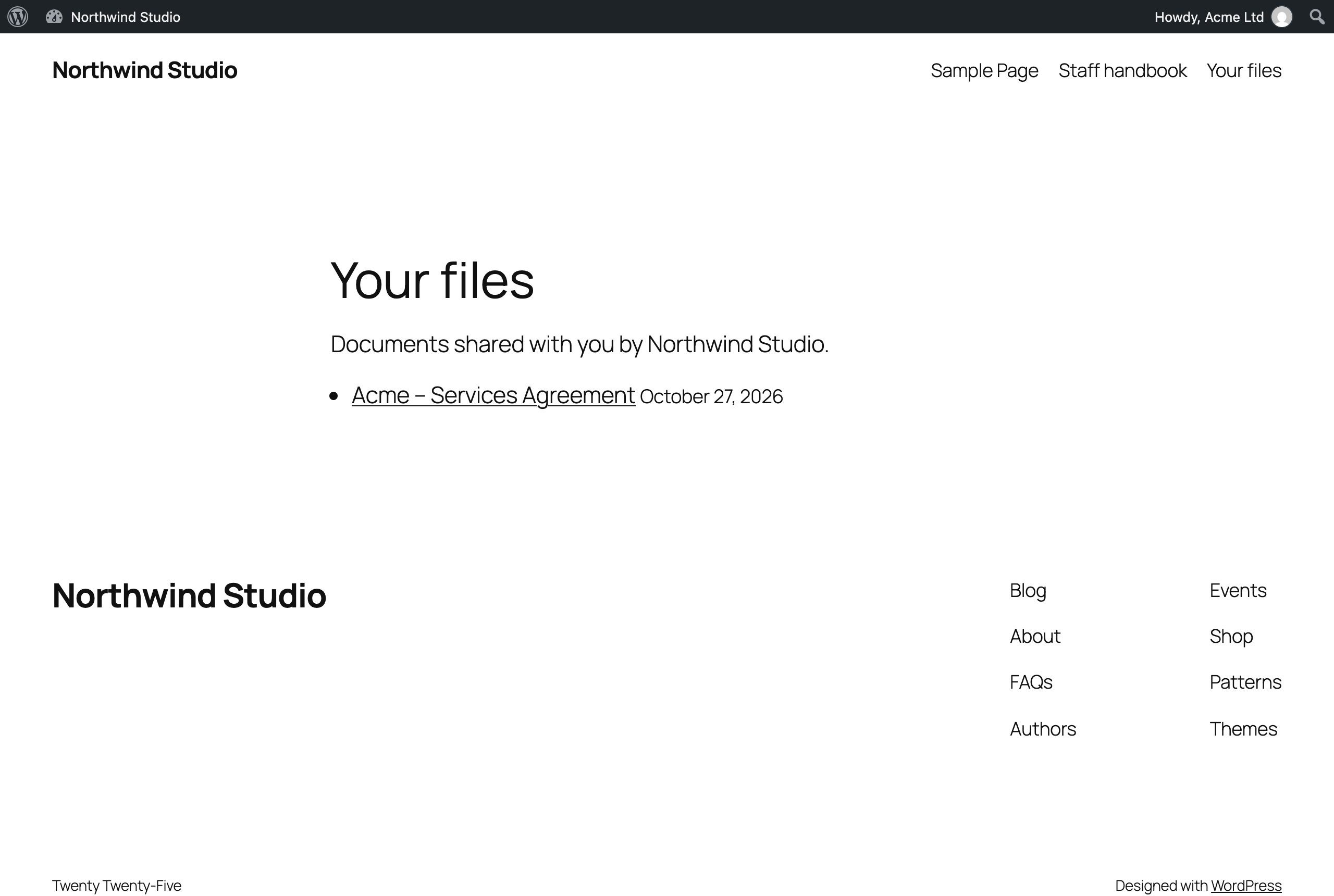
- Give clients a portal. Share each contract, design or report with one client. They see it on their "My files" page; other clients can't open it, even with the link.
- Sell or share members-only content. Course PDFs, e-books and videos stop being passed around as plain links. Video seeking still works.
- Protect people's privacy. Schools, clubs and charities keep children's photos, member lists and minutes visible to parents and members only.
- Keep form uploads safe. CVs, ID scans and signed forms collected through form plugins usually sit in the public uploads folder. Not any more.
- Stop leaks before launch. Unreleased product images and documents on a staging site don't leak or turn up in Google Images.
How it works
- Every request for an uploaded file goes through WordPress, which checks who is asking. Logged-out visitors are sent to the login page; people without the right role get "This file is private".
- Choose any logged-in user, only certain roles, or only the people each file is shared with. Administrators always have access. Keep chosen files public, such as your logo.
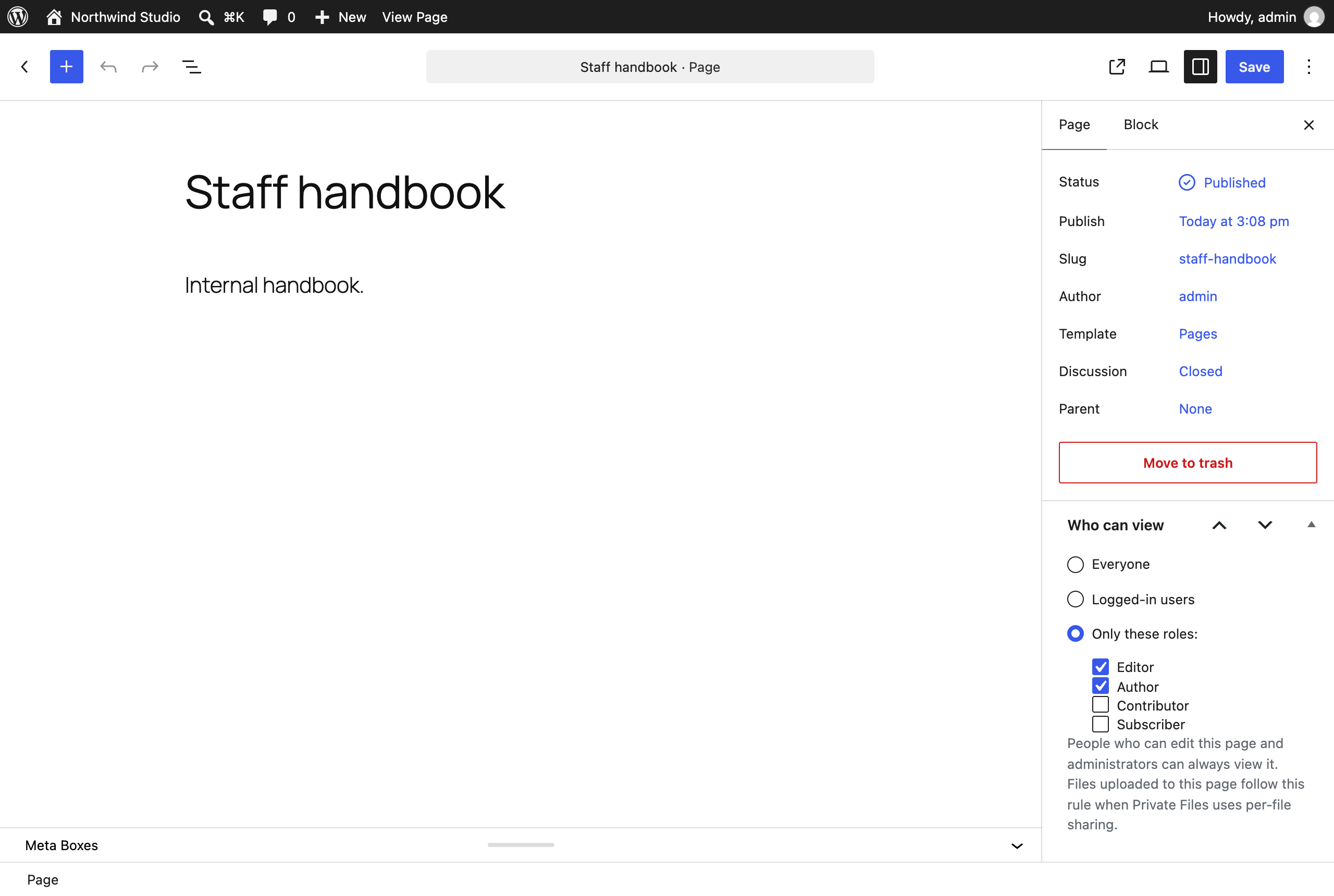
- Private pages too. A "Who can view" box in the page editor sets each page to Everyone, Logged-in users or chosen roles. Its text is hidden in search, feeds and the REST API, and files uploaded to it follow the same rule.
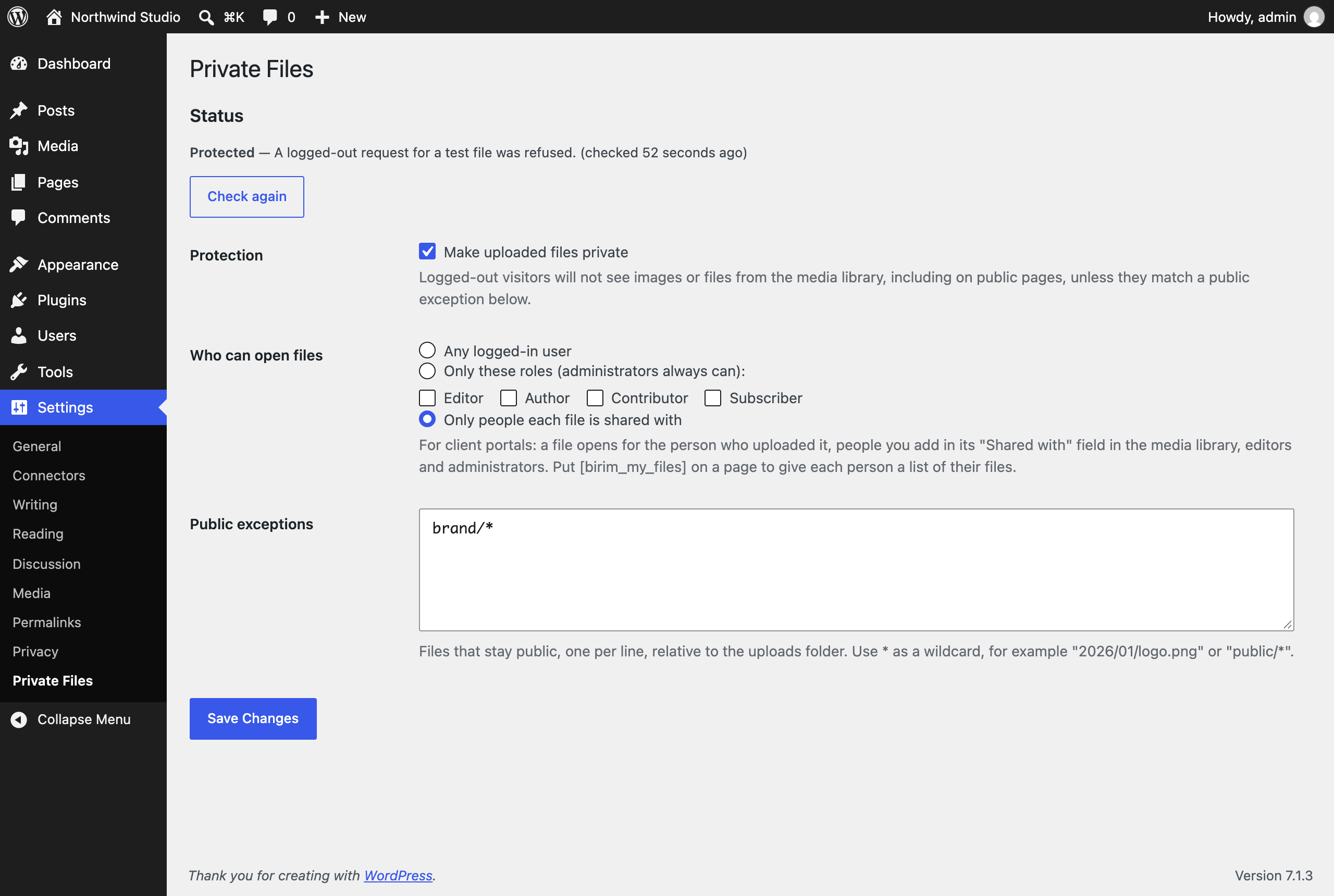
- Honest status. After you switch it on, the plugin requests a test file as a logged-out visitor and shows Protected, Not protected or Could not check, and re-checks daily. Many setups fail silently on nginx servers; this one warns you.
- Apache: set up automatically. nginx: the settings page shows the exact two-line rule to add.
- Scripts uploaded to the media folder can no longer run or be downloaded.
See it in action
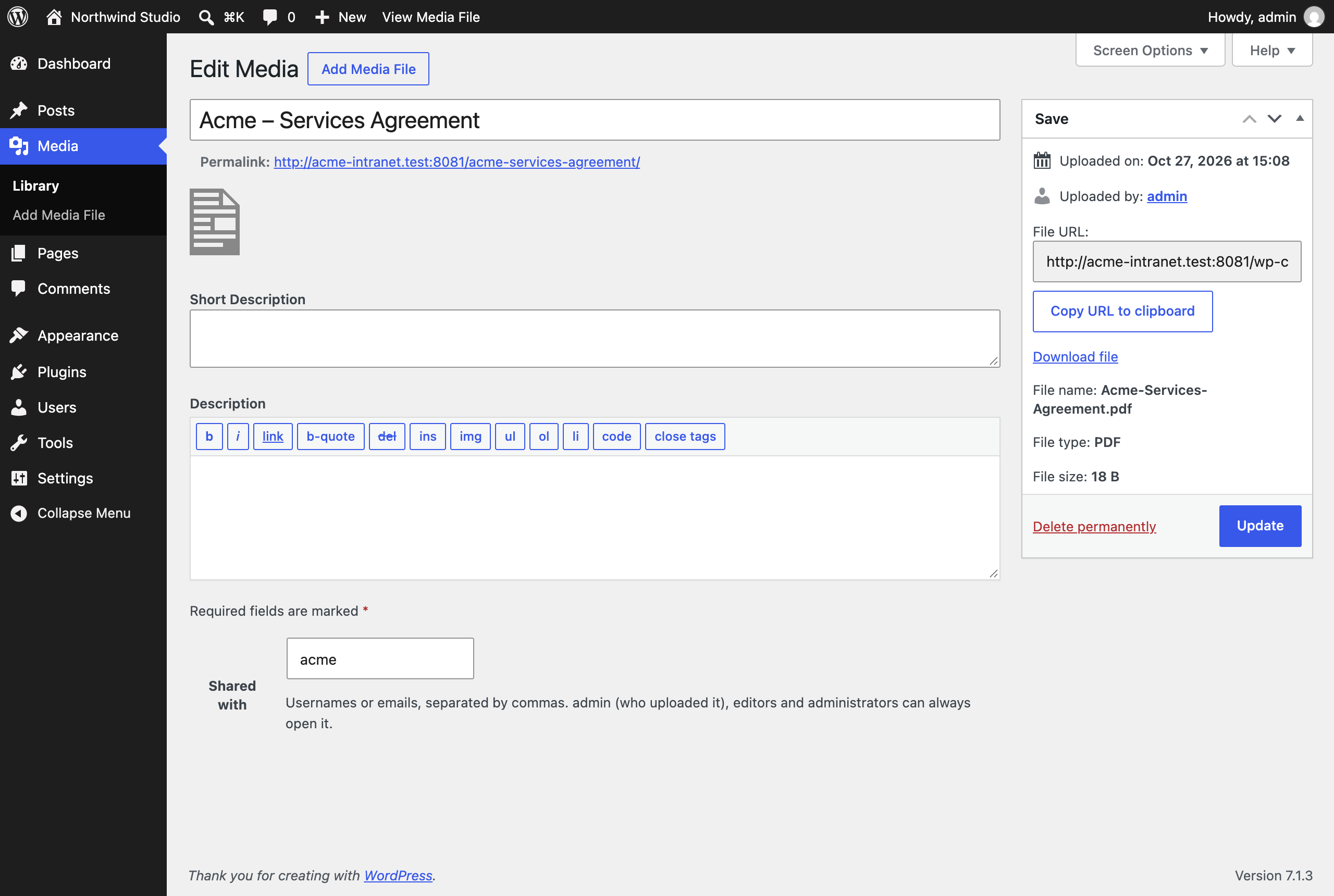
Share a file with one client from the media library:
Your client sees only their own files on a "My files" page:
Make a whole page private from the page editor:
And the settings page tells you protection is really working:
What it doesn't do
Titles of private pages can still show in menus and archive lists; only their text is hidden. WordPress's public REST API lists media titles and links to anyone (the files stay protected); REST Lock hides that list too. It doesn't encrypt files or make you compliant with any regulation on its own; it controls who can open them.
Optional paid service (planned)
Private Files is complete and free. We're planning an optional, opt-in service for the parts that are hard to do on your own server, starting with approvals (reliable email, certificates, an off-site archive). If you'd want something for Private Files too, such as expiring share links, virus scanning of uploads or a download log, tell us in the waitlist note. Join the waitlist.
Download
Private Files is coming to WordPress.org. This page will link to it once it is approved.